
Smart lookup
Auto-detects Vietnamese, pinyin, or Chinese input and returns definitions, example sentences, and usage notes.
A studio that only builds for other people slowly forgets what it costs to keep software alive. So we run our own products, with our own users, and our own support inbox.
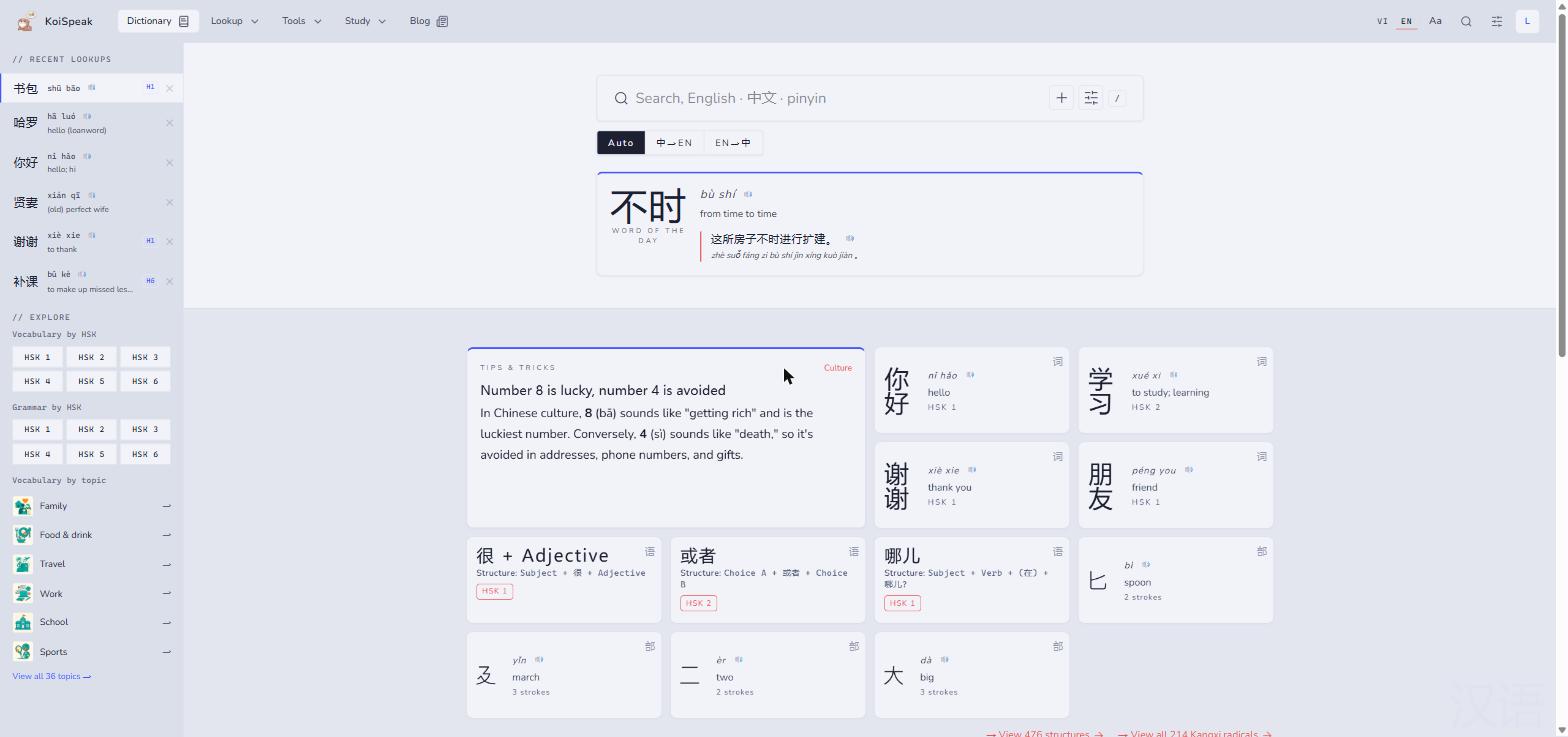
KoiSpeak is a bilingual Chinese-Vietnamese dictionary and learning platform. Its lookup auto-detects what you typed, whether Vietnamese, pinyin, or Chinese characters, so learners never have to think about input modes.
Around the dictionary sits a full study environment: grammar organised by HSK level, radical and handwriting lookup for characters you cannot type, flashcards for retention, and a reading room of authentic texts.
Auto-detects Vietnamese, pinyin, or Chinese input and returns definitions, example sentences, and usage notes.
Grammar points organised by HSK level 1 to 6, so study follows the exam you are actually preparing for.
Find any character through the Kangxi radical system when you know the shape but not the reading.
Draw a character or point a camera at one. Smart recognition turns it into a searchable entry.
Turn any lookup into a card and drill vocabulary until it sticks.
Authentic texts with tap-to-look-up, so reading practice does not mean switching apps every sentence.
Curated sets for family, food, travel, work, school, and sport: the words learners need first.
Articles on grammar, exam strategy, and study habits, written for learners who want to go deeper.
 Pagiro
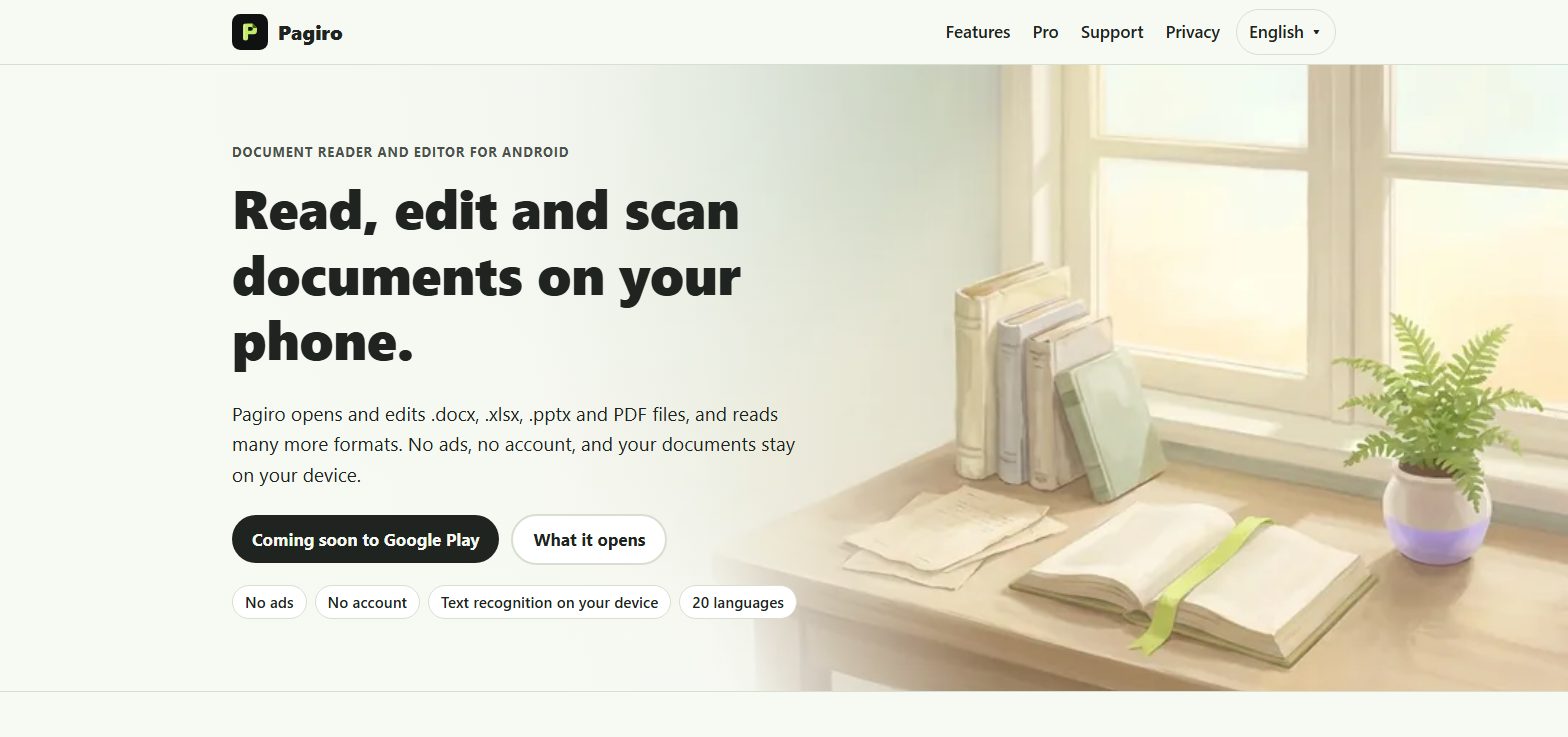
Pagiro is a document reader and editor for Android. It opens and edits .docx, .xlsx, .pptx and PDF files, reads EPUB, Markdown, CSV, pictures and archives, and draws pages as the author laid them out, as closely as possible.
Editing, scanning and text recognition happen on the phone. The optional AI features (beta) send only the text the user picks to our AI service; it is not stored by us or used for training, and our AI provider normally deletes it within 30 days. There are no ads and no account, and anonymous usage statistics are sent only if the user allows them; the text-recognition library (Google ML Kit) may send anonymous diagnostics to Google. Everyday tools are free; Pagiro Pro adds advanced editing and more PDF tools.
docx, xlsx, pptx and PDF, plus EPUB, CSV, Markdown, HTML, OpenDocument, pictures, e-mail and ZIP archives.
Text documents, spreadsheets, slides and PDF forms. Parts the app does not understand are kept as they were.
Merge, split, compress, reorder, rotate, sign and fill forms; watermark, redact, compare and more with Pro.
Scan paper with the camera and save a searchable PDF. Text recognition runs on the device.
No ads, no account. Documents stay on the phone; only the optional AI features send the text you pick, and we do not store it. Usage statistics are anonymous and opt-in.
The interface speaks 20 languages, right-to-left included, with dark mode, large text and read aloud.
The same standards we hold client work to, applied where the consequences land on us.
KoiSpeak went live as a dictionary and nothing else. Every feature since then earned its place with real usage.
A dictionary people reach for mid-sentence has to be instant. Performance budgets are set before design starts.
Core lookup stays free. A learner who cannot pay should still be able to read the sentence in front of them.
We have been through discovery, launch, app store review, and the long middle where you keep a product alive. We can shorten that road for you.